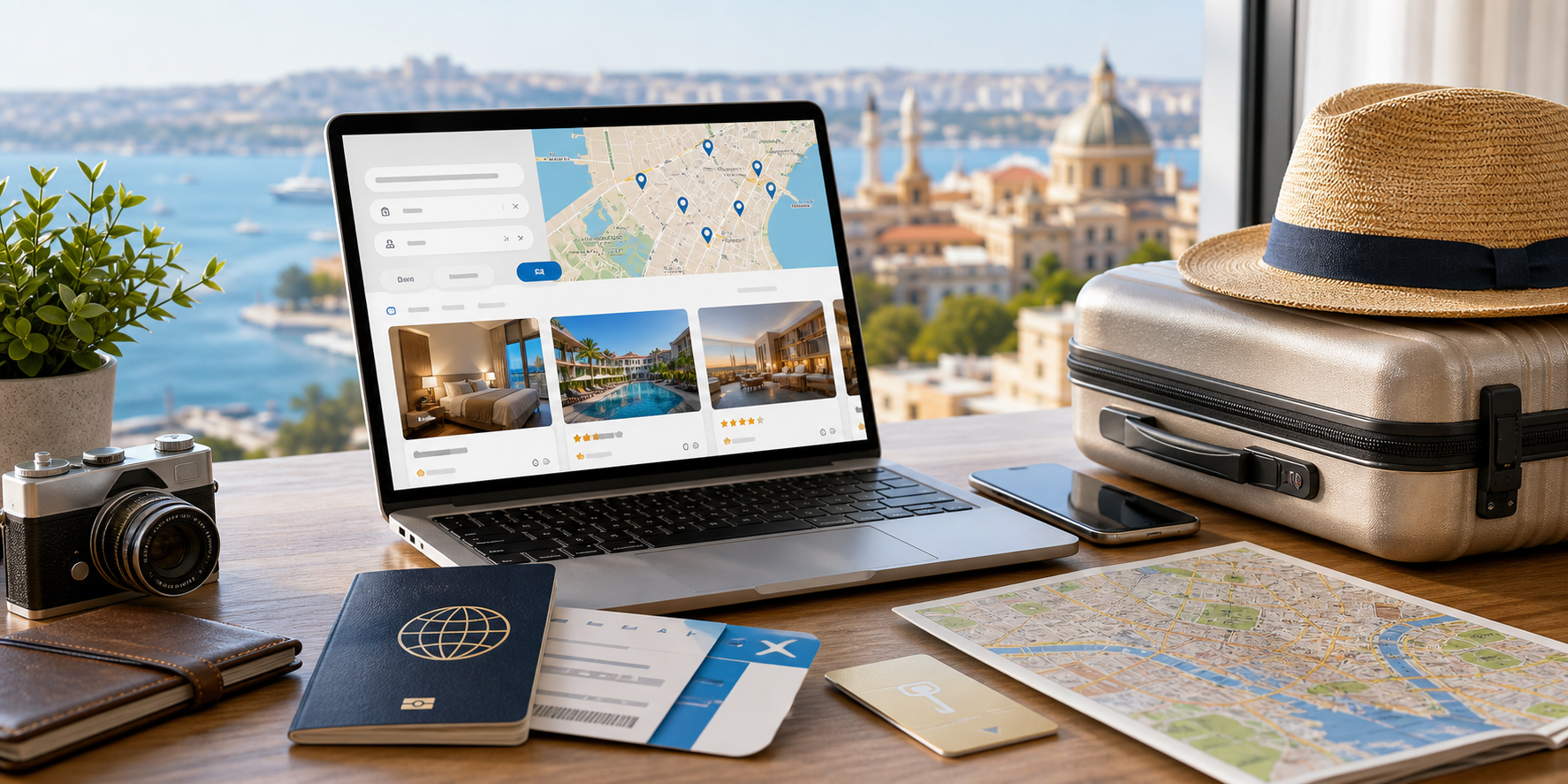
Finding a place to stay is often the first big step in planning a trip. Trip.com is an online travel site that lists hotels around the world, so you can search a city, compare rooms, and book without visiting each property’s own page. It is part of the Trip.com Group, a large travel company, and it also covers flights, trains, and other travel needs. This guide focuses on the hotel side and the features that make it useful for finding a stay.
When you search a place and your dates, each listing is built to help you compare options quickly. These are the details you can weigh side by side:
- Room Price See the nightly price for your dates and sort from low to high.
- Guest Score Read ratings and reviews left by past guests.
- Location Check the area and see the hotel on a map.
- Photos Browse hotel and room images before booking.
- Amenities Filter for Wi-Fi, breakfast, parking, and more.
Compare neighborhoods, nightly prices, photos, and guest scores before choosing a stay.
1. A Wide Choice of Hotels Worldwide
Trip.com’s main strength is reach. A single search can return a long list of hotels for your destination and dates, from budget rooms to higher-end stays, in cities across many countries. That breadth means you can plan a trip close to home or on the other side of the world using the same site. Because so many properties sit together in one list, it is easy to see the range of prices and styles before you decide where to stay.
2. Filters and a Map to Narrow the List
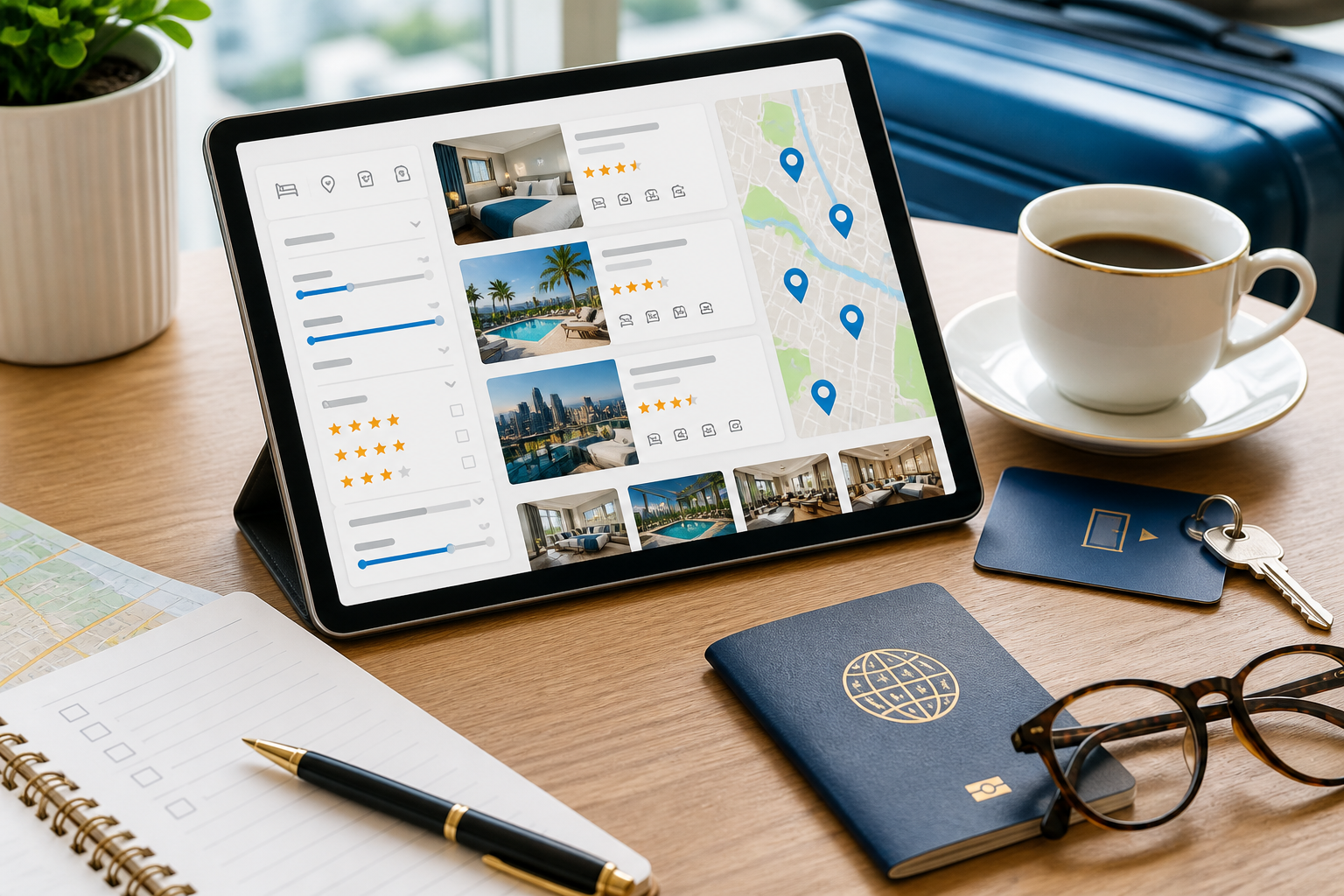
A popular city can return hundreds of results, so Trip.com lets you filter the list down to what matters. You can set a price range, choose a star rating, filter by guest review score, pick amenities like free Wi-Fi, breakfast, or parking, and view results on a map to focus on one neighborhood. Sorting by price or rating then brings your best matches to the top, which turns a huge list into a short one worth reading closely.
Searching on the map helps you pick a hotel close to the places you plan to visit, rather than sorting by price alone.
3. Ratings and Reviews From Past Guests
Each hotel listing collects a review score and written reviews from guests, and many list the country or trip type of the reviewer. Reading recent reviews alongside the photos helps you set your expectations before you book. Look for comments on cleanliness, location, and service, and give more weight to reviews from the last few months, since a hotel can change over time.
-
Family Stays
Filter for family rooms with extra beds and free breakfast.
-
Business Trips
Look for central hotels with Wi-Fi and free cancellation.
-
Vacations
Compare well-rated hotels near the sights you plan to see.
Look at cancellation dates and member rewards before you settle on a rate.
4. Free Cancellation and Clear Terms
Plans can change, so Trip.com labels rooms that offer free cancellation, and the booking page shows the cancellation deadline and what the price includes before you confirm. Choosing a room with free cancellation gives you room to adjust your trip without losing what you paid, as long as you cancel by the listed date. Rules vary by hotel and room type, so it is worth checking the terms on each option rather than assuming they are the same.
Free cancellation usually ends a set number of days before check-in, so note that date when you book in case your plans shift.
5. 24/7 Support and Trip Coins Rewards
Trip.com offers customer service around the clock in several languages, which can help if a plan changes or a question comes up during your trip. It also has a free rewards program: members can earn Trip Coins on eligible bookings and use them toward future stays. Signing in before you search means any member price or reward shows up in your results, so it is worth comparing that against the standard rate to see the difference.
6. Final Thoughts
Trip.com is useful because it brings a wide range of hotels into one search, backs listings with guest reviews, and makes cancellation terms easy to check before you commit. It will not plan the trip for you, but as a booking tool it can shorten the search and help you feel more confident about where you will stay. If you are comparing hotels for an upcoming trip, it is a practical place to start.