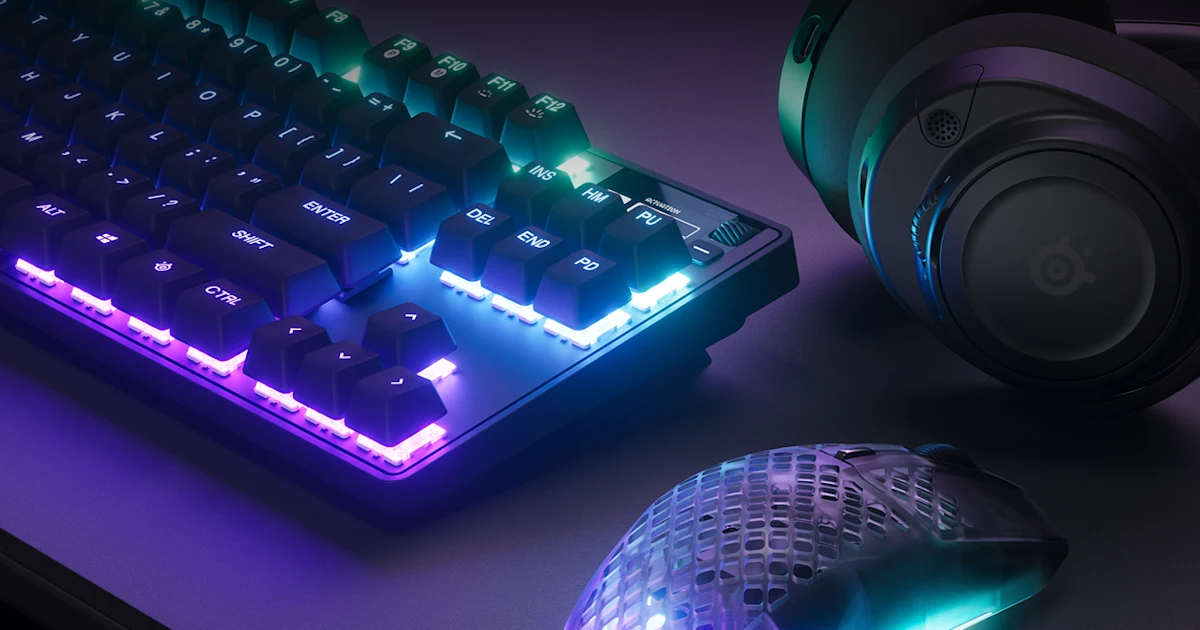
1. Match the headset to your platform
Start with the device you actually play on. The Arctis lineup includes wired and wireless headsets, and some models have separate versions for Xbox and PlayStation. Look up your console or computer in the compatibility list for the exact version in your cart. If you also take calls on your phone while playing, check whether the headset can play Bluetooth and game audio together or switches between them.
2. Choose a keyboard size that fits your desk
The Apex keyboard range includes full-size and tenkeyless layouts. A tenkeyless board drops the number pad to give your mouse more room. If you use the same desk for spreadsheets, a full-size layout keeps the number pad handy. Check the keyboard layout for your region, too, especially if you rely on a familiar Enter key shape or key labels.
3. Compare mouse shape, weight, and buttons
The Rival and Aerox lines give you a starting point. The Rival 3 Gen 2 comes in wired and wireless versions. The Aerox 3 is a lightweight option, while the Aerox 9 Wireless has a bank of side buttons for shortcuts. Use a mouse you already find comfortable as a reference. Compare its length and width with the listed dimensions, and check that the side buttons are where your thumb can reach them.
4. Measure for a QcK mousepad
QcK mousepads come in several sizes, including desk mats that can sit under both your keyboard and mouse. Measure the clear space between your keyboard, monitor stand, and the edge of the desk. If you play with low mouse sensitivity and make wide sweeps, a larger pad can give you more room to move.
5. Check software and the exact model before buying
If you want to customize lighting, buttons, or audio, check the specific product and SteelSeries GG for the features available on your operating system. Before placing an order, confirm the model, what cables or receivers come in the box, and the seller's return terms. If you are upgrading one piece at a time, start with the gear that solves a problem you run into regularly.