Business & Productivity
Zoho Explained: SaaS, Business Apps, and How to Choose the Right Tools
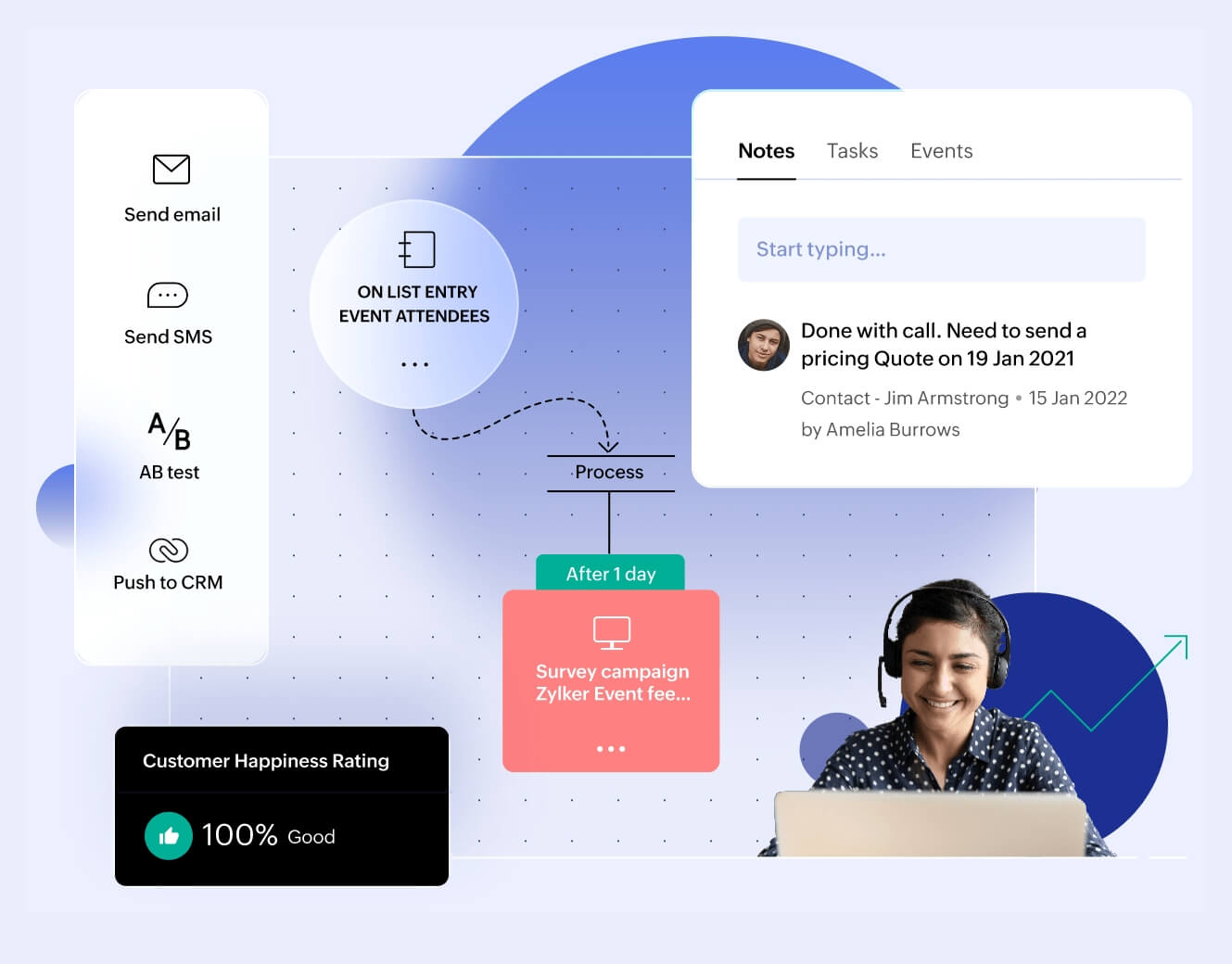
Understand what SaaS means, how Zoho’s business apps fit together, and what to check before choosing a subscription for your small business.
Read MoreSmartLifeLinks contains affiliate links. We may earn a commission through qualifying bookings/purchases. This site is independently operated and is not the official site of any brand mentioned. Who we are

Tools for your working day
Practical tools for running your business and getting more done.
Explore the guidesCustomer follow-up, office documents, and team collaboration call for different tools. These guides explain the software, the subscription model, and the questions to ask before you buy.
| Your priority | Explore | What to verify |
|---|---|---|
| Customers and business operations | Zoho | Required apps, edition, licensing, and connections between tools. |
| Office apps, email, and shared files | Microsoft 365 | Desktop apps, business email, Teams inclusion, and regional package. |
| Business Gmail and online collaboration | Google Workspace | Storage, account ownership, meeting features, and offline needs. |
These are starting points, not an exhaustive ranking. Office suites overlap with parts of Zoho’s catalog; they do not replace every CRM, accounting, or operational application.
Understand what SaaS means, how Zoho’s business apps fit together, and what to check before choosing a subscription for your small business.
Read More
A practical guide to office apps, business email, shared files, and the plan details that matter before your team subscribes.
Read More
Learn how business Gmail, shared documents, cloud files, and administration fit together—and what to verify before moving your team.
Read More